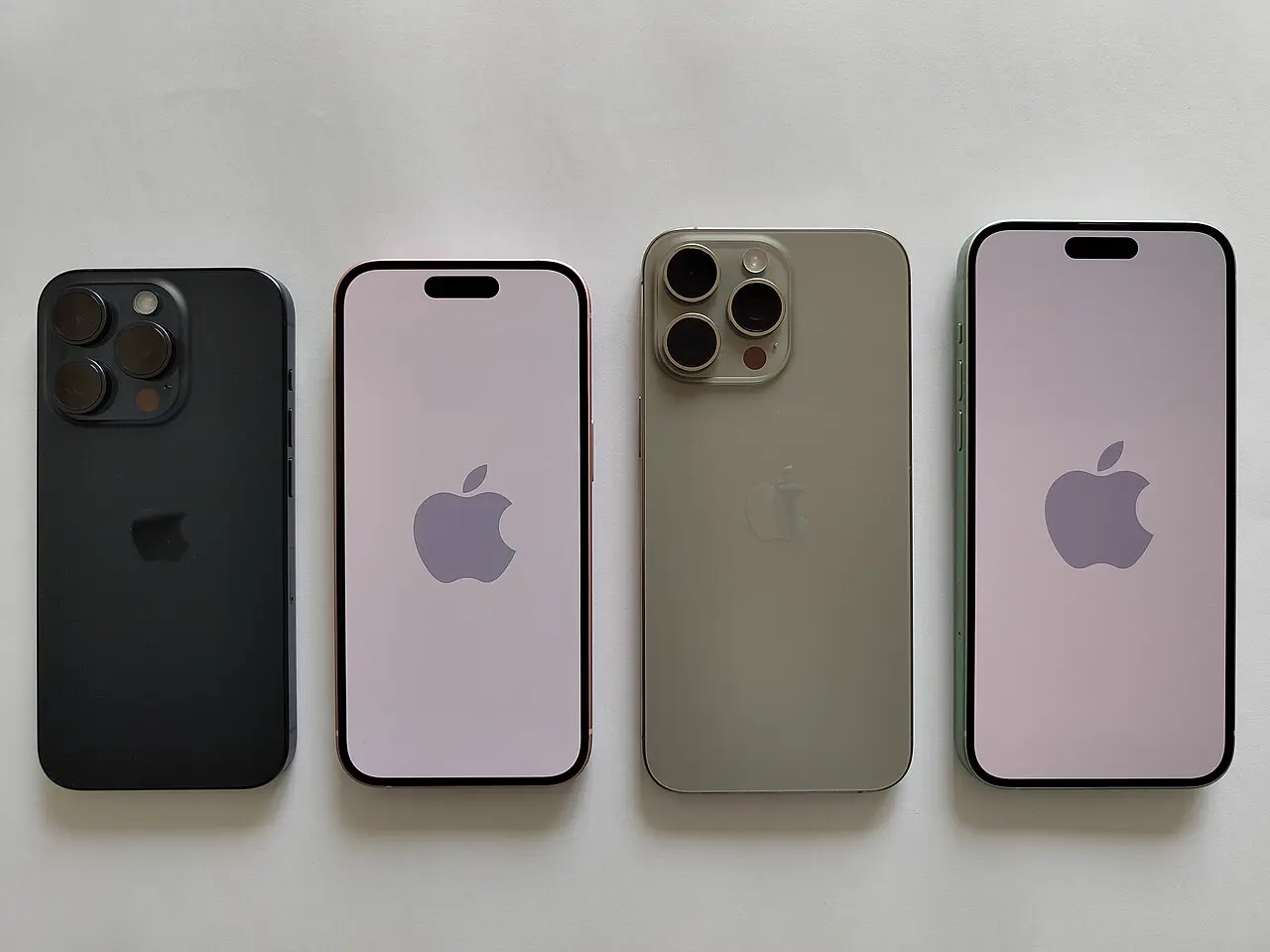

While you sleep: Apple Watch on your wrist
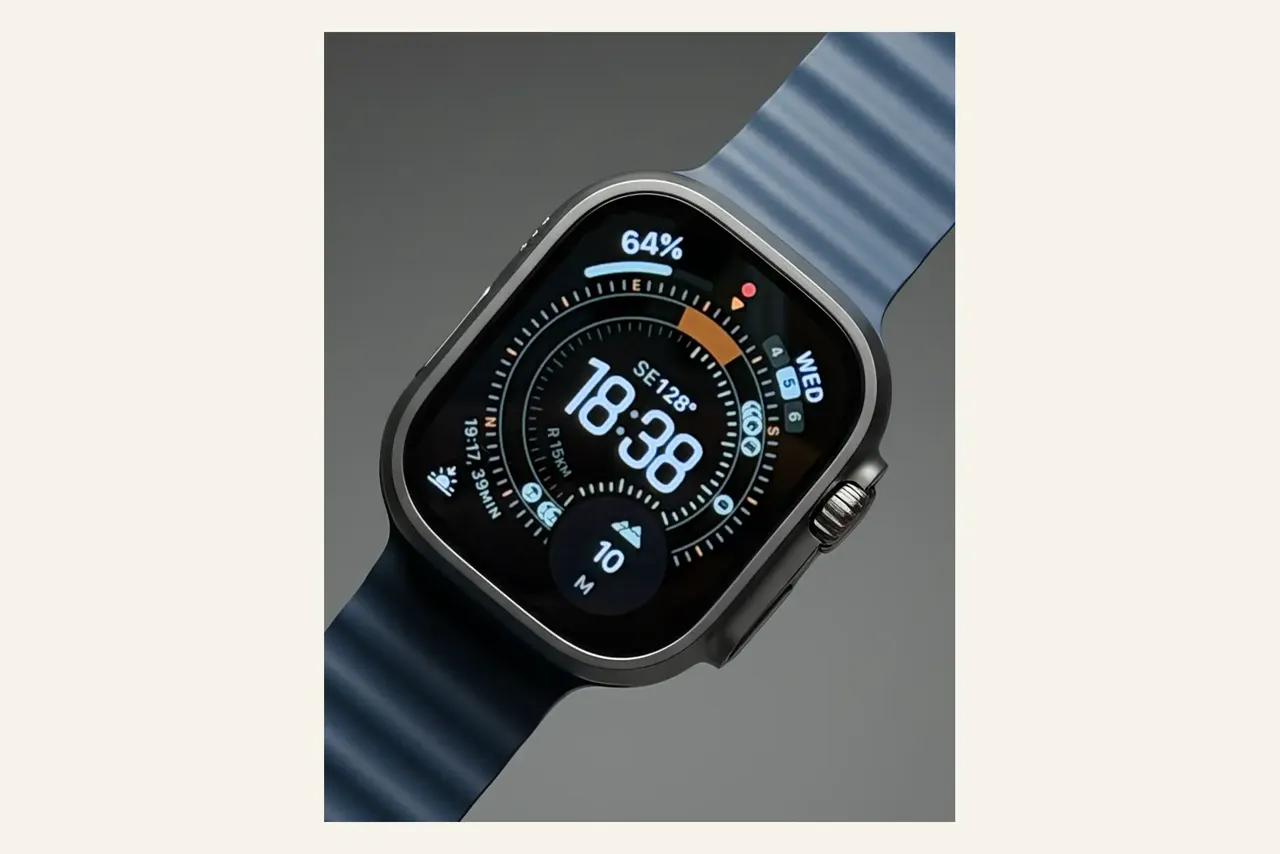
The Apple Watch measures throughout the night: heart rate, sleep stages, respiratory rate, blood oxygen levels. This data is stored locally on the iPhone in the Health app — and is technically set up differently from Fitbit or Wear OS devices.
What Apple actually does: Health data is stored locally with encryption. iCloud synchronisation uses end-to-end encryption — but only if two-factor authentication is active and no standard iCloud backup is running that also contains the key. Apple's guidelines prohibit using HealthKit data for advertising. Third-party apps you've granted access to are subject to their own privacy policies.
What this means in practice: In 2021, over 61 million fitness tracker records were leaked via a third-party provider (GetHealth) — including HealthKit data. Names, dates of birth, weight, height, gender and geographic location, all stored in an unencrypted, publicly accessible database.
Morning: iPhone unlocked

On first unlock, the iPhone syncs automatically: iMessages, photos, contacts, calendar, notes, health data — all routed through iCloud. The data is stored on Apple's servers in the USA, and in part with Amazon AWS, Google Cloud and Microsoft Azure as third-party providers.
Standard Data Protection (the default): Your data is encrypted — but Apple holds the key. Apple can theoretically access photos, contacts, calendar and mail. Under a court order, this data is handed over to US authorities.
Advanced Data Protection (must be activated manually): With this option, only you hold the key. Photos, notes and backups are end-to-end encrypted. Exception: contacts, calendar and iCloud Mail remain accessible by Apple for technical compatibility reasons.
What almost nobody knows: Standard Data Protection is pre-selected. Most users are running it — without realising it. This means: in standard mode, Apple can decrypt your entire iCloud backup, including iMessages whose key is also stored there.
School and nursery: Apple Maps knows the way
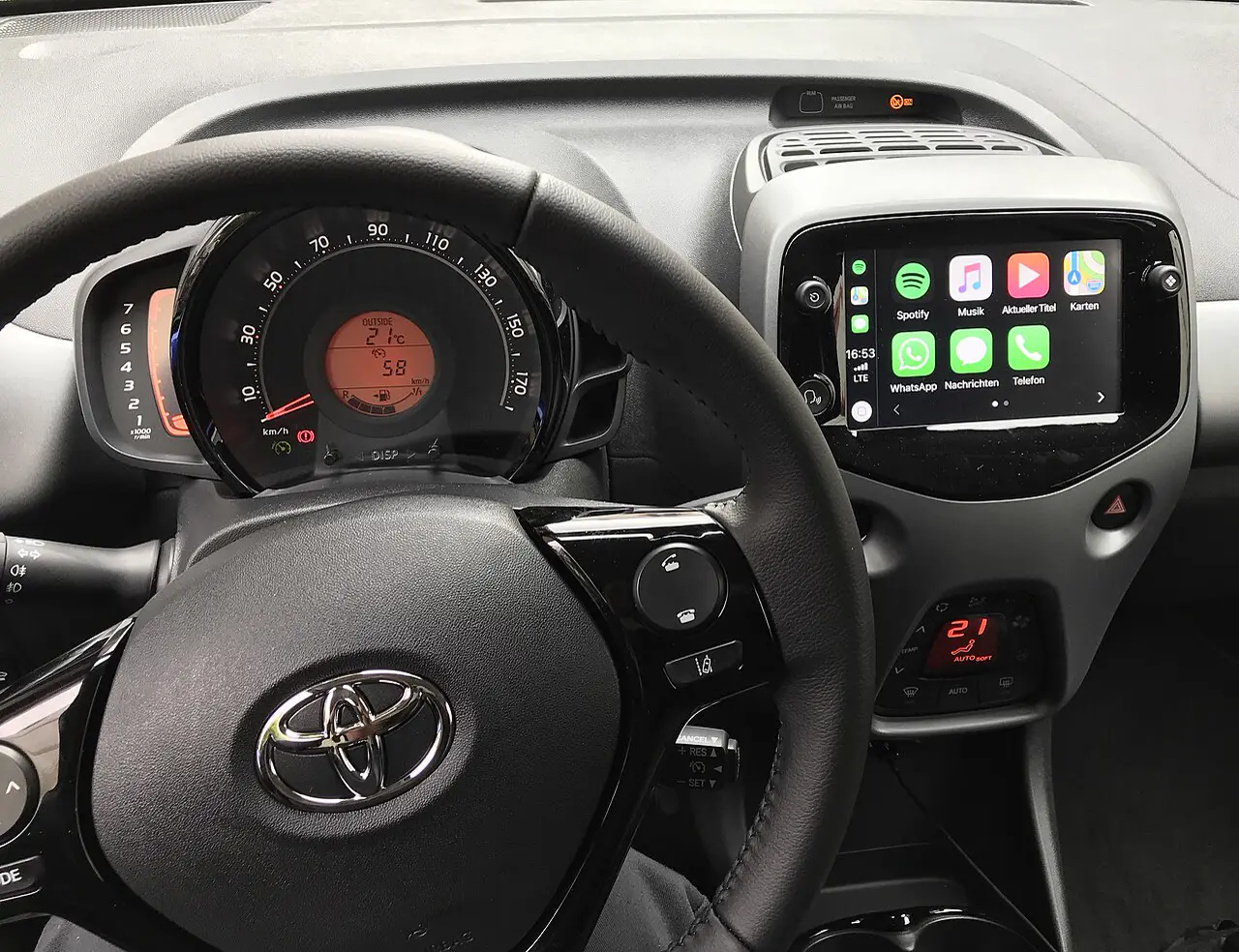
You navigate with Apple Maps — or simply have the iPhone logging GPS data on the go. Apple Maps does not permanently store routes linked to your account. Personalised features like "Significant Locations" are created locally on the device.
What Apple actually records: When Location Services are active, your iPhone sends anonymised, encrypted location data to Apple when opening apps near a place — for information on opening hours and visit frequency. Route data for navigation is processed anonymously, "not linked to your identity". Apple converts precise locations to less precise ones within 24 hours.
But: When Siri is active and you ask for directions, with Location Services enabled the approximate location of your device is sent to Apple. The "Significant Locations & Routes" feature — which knows the nursery route after just a few weeks — is end-to-end encrypted, yet still stored on Apple's servers.
iMessage to a friend
You send your friend an iMessage. The content is end-to-end encrypted — Apple cannot read it. That's the famous difference from WhatsApp. But iMessage is more complex than it appears.
What Apple has officially confirmed: iMessage stores metadata for up to 30 days: who messaged whom and when, timestamps, the sender's IP address (from which location can be inferred). Under a court order, this data is handed over to US authorities.
The iCloud backup problem: If your iPhone creates a standard iCloud backup (the default setting), the key to your encrypted iMessages is also stored in iCloud — and therefore with Apple. End-to-end encryption protects the transmission, not the backup. Only with "Advanced Data Protection" activated is your backup truly yours alone.
Amazon purchase via Apple Pay
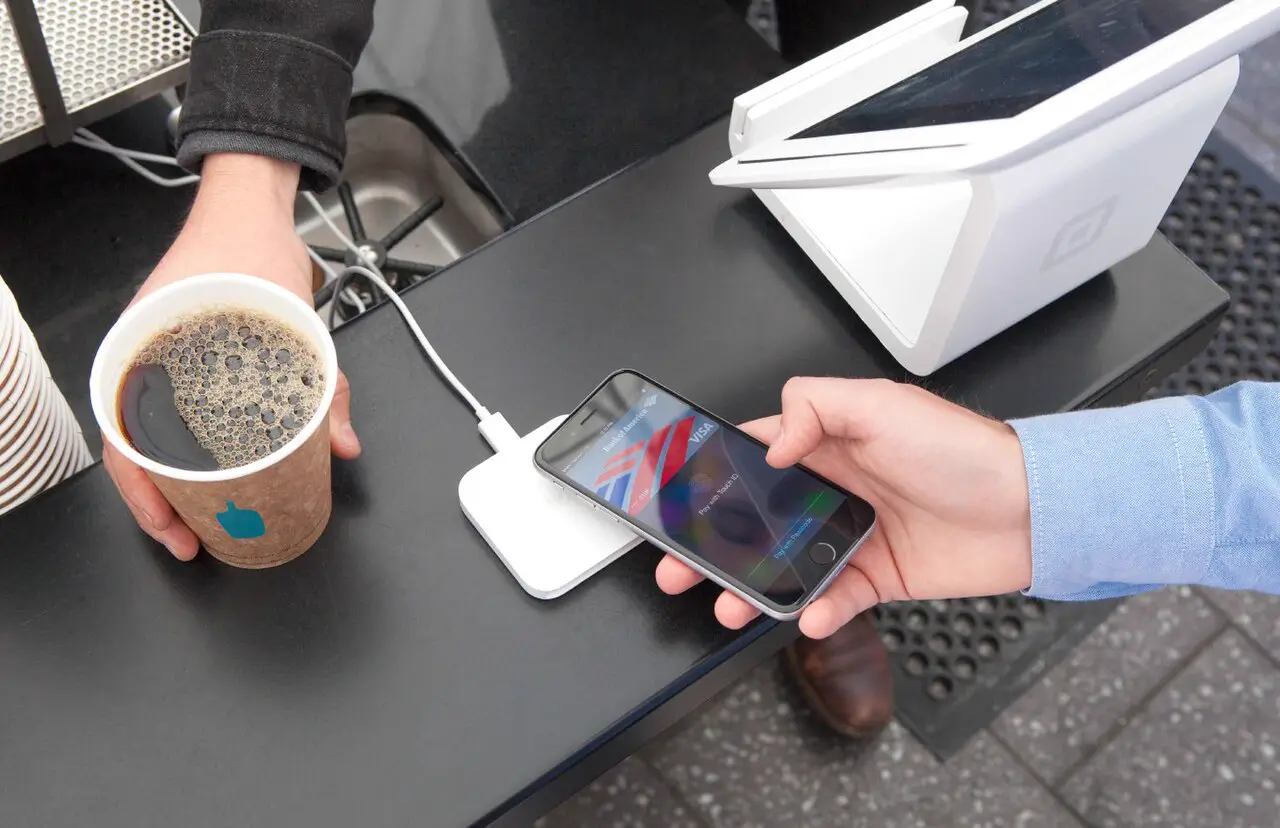
You buy a birthday present on Amazon and pay with Apple Pay. Apple does not store the actual card number and, according to its own statements, has no access to the contents of your purchase. In physical shops, Apple sees even less.
What Apple actually sees: When adding a card to Apple Pay, card-related information, your device location, and usage patterns are sent to Apple. For online purchases, Apple stores anonymised transaction data "to improve the service". When Location Services are active, in-store purchases transmit location anonymously to Apple.
The key difference from PayPal: Apple does not build detailed profiles from Apple Pay data and does not share it with hundreds of third-party companies. Apple Pay is significantly better for privacy than PayPal — but usage data still flows to Cupertino, USA.
"Hey Siri" — and what happens next
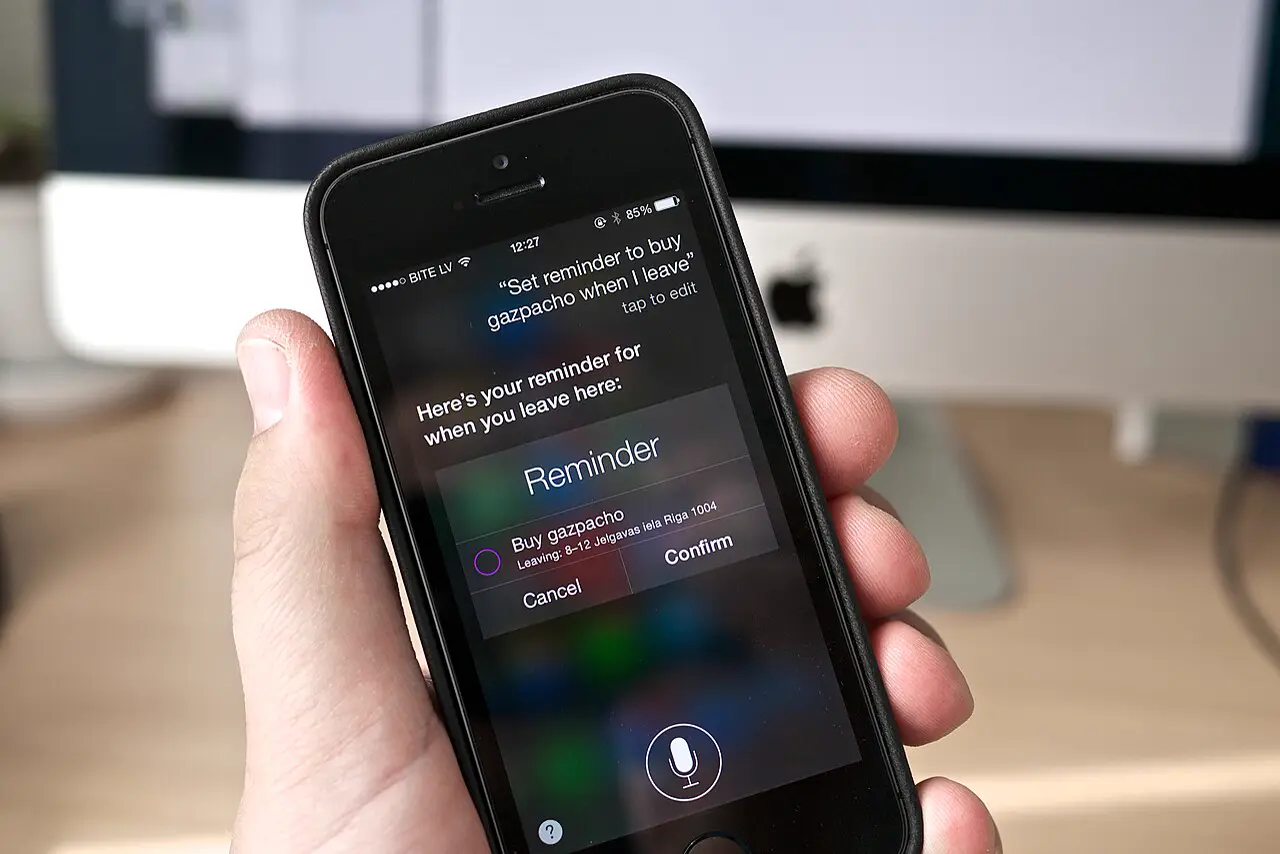
You call up Siri. Apple emphasises that many requests are processed directly on the device. Simple functions like reading out messages or widget suggestions stay local. For more complex requests, encrypted data is sent to Apple's servers — via an anonymous, rotating ID, not your Apple account.
What Apple officially stores: Transcripts of your Siri interactions are stored for up to 2 years — linked to a random device ID. Apple employees manually review a small portion of these transcripts. If you use Siri with Location Services enabled, your approximate location is also stored.
The Siri scandal: In 2019 it emerged that Apple subcontractors were listening to private conversations — unintentionally triggered Siri recordings, including doctor's conversations and intimate moments. In early 2025, Apple agreed to a $95 million settlement following a class action lawsuit. The lawsuit covered the period from September 2014 to December 2024. Apple denied any wrongdoing.
"Hey Siri" is always listening: The iPhone must continuously listen for the activation phrase. According to Apple, the recognition happens locally. But: sounds resembling the activation phrase could accidentally trigger Siri — that was the core of the multimillion-dollar lawsuit. Conversations from guests and children in the room were captured in this way too.
Supermarket — no loyalty scheme, still data

Apple has no involvement in the supermarket shop — as long as you pay with cash or a debit card. If you use Apple Pay, Apple sends anonymised location data for merchant identification in the Wallet app. The contents of your shopping remain unknown to Apple.
That shopping list you dictated to Siri earlier? The transcript is on Apple's servers.
App Store: A children's game for iOS
You buy a learning app for the children. Apple requires every app to carry a privacy nutrition label. Since iOS 14.5, apps must ask the user for permission for cross-app tracking (App Tracking Transparency). A genuine step forward for third-party apps. But Apple itself is exempt.
Apple's own ecosystem: Apple collects purchase behaviour, search queries, apps used and usage times in the App Store — all linked to your Apple ID. This data feeds into Apple's own advertising business: Apple Search Ads, prominently placed within the App Store. Apple does not have to follow its own ATT rules for this. Germany's Federal Cartel Office and European regulators have criticised this double standard.
Apple TV+: Evening film with tracking
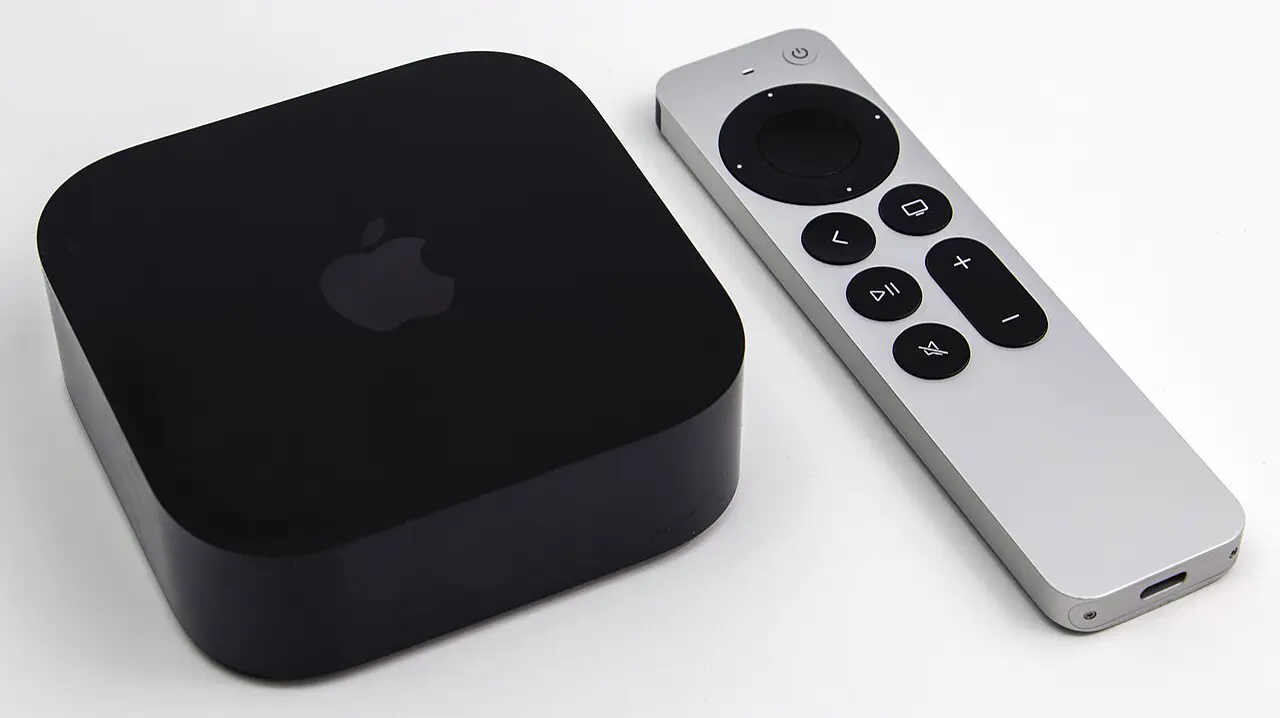
You watch a film on Apple TV+. Apple knows: which content you started, paused, finished — when and for how long. Search terms, interactions with the interface, device model and operating system. Nothing unusual for streaming services — but still data that maps your daily rhythm and tastes, stored on US servers.
HomePod in the living room
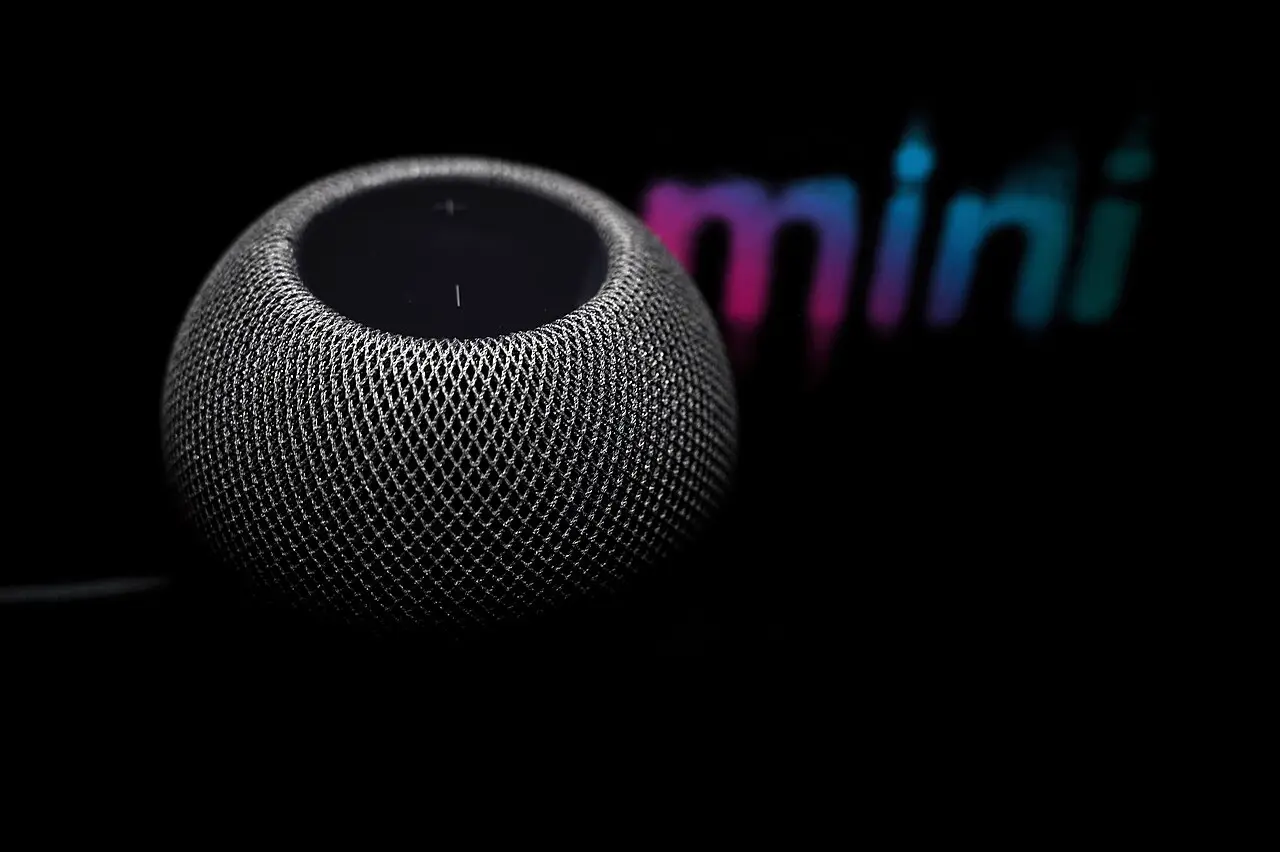
The HomePod listens continuously for the activation phrase. Once triggered, your request is processed — locally where possible, otherwise encrypted via Apple's servers. Unlike Amazon's Alexa, Apple does not store audio recordings permanently by default.
But: The HomePod can also be accidentally triggered — by similar-sounding noises or conversations. That was the core issue in the $95 million lawsuit. And: everything you say after an activation is stored as a transcript for up to 2 years on Apple's servers — including the approximate location of the device.
Back to the start: Apple Watch sleeps alongside you
The Apple Watch keeps recording. When your heart rate drops. When you fall asleep. How deeply you sleep. The data is stored locally, synchronised with encryption — via iCloud on US servers.
Standard vs. Advanced Data Protection
Apple offers genuine privacy improvements — but most users don't use them because they're hidden away. The default settings give Apple significantly more access than necessary.
| Data category | Standard (default) | Advanced Data Protection |
|---|---|---|
| iCloud Backup | Apple holds key | End-to-end |
| Photos | Apple holds key | End-to-end |
| Notes | Apple holds key | End-to-end |
| Health data | End-to-end | End-to-end |
| iMessage backup | Key in backup | End-to-end |
| Contacts & Calendar | Apple holds key | Apple holds key* |
| iCloud Mail | Apple holds key | Apple holds key* |
| Siri transcripts | 2 years, anonymous | 2 years, anonymous |
* Apple justifies this on the basis of interoperability requirements with external services.
A perfectly ordinary Tuesday — with Apple
Apple is not Google. That's not an empty phrase. Apple does not make money by selling your behavioural profile to ad networks. The end-to-end encryption of iMessage is real. Using HealthKit data for advertising is prohibited. Siri transcripts are not linked to your Apple account.
But: Apple is a US corporation. Your data sits on US servers. The Cloud Act of 2018 gives US authorities far-reaching access to data held by American companies — even when the user is based in Europe. GDPR does not fully protect you here.
And the core of the problem: The privacy Apple actually enables is optional. Advanced Data Protection. Two-factor authentication. Declining ATT tracking. All of it exists — but none of it is switched on. The default settings let Apple see significantly more than necessary.
At the end of an Apple Tuesday, no advertising algorithm has built a detailed behavioural profile on you. But Apple itself, US authorities with a court order, and potentially third-party apps you once granted HealthKit access to, know quite a lot about you.